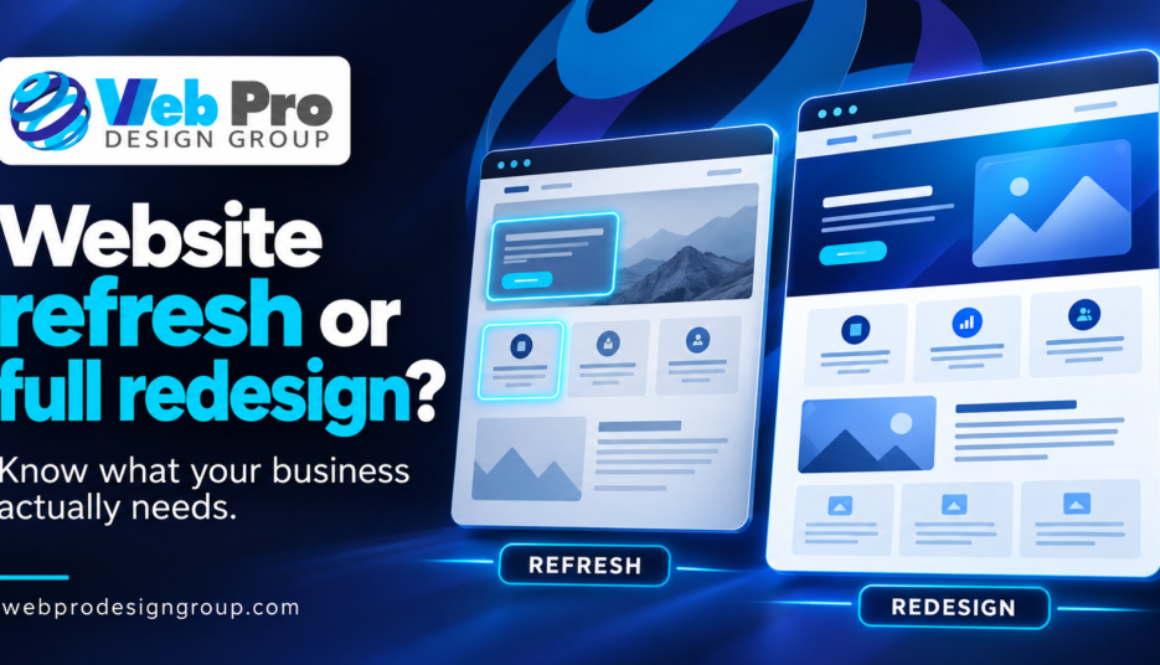
Website Refresh or Full Redesign? How to Choose

Website Refresh or Full Redesign? How to Choose
An outdated website does not automatically need a full rebuild. The right starting point is to identify what still works, what gets in a visitor’s way, and what your business needs the site to do next.
For an established business, the decision should connect to a practical goal: explain a new service, make the site easier to use on a phone, or help the right person contact you. A refresh and a redesign can both support those goals. The difference is how much of the existing website needs to change.
What is the difference between a refresh and a redesign?
A website refresh improves selected parts of the site while keeping most of its structure. It might involve rewriting service descriptions, replacing outdated photos, improving a contact section, or adjusting a few page layouts.
A website redesign revisits the experience more broadly: how pages are organized, how visitors move between them, and how the design supports your content. A redesign does not automatically mean changing your domain, replacing WordPress, or discarding every page. The scope should say what stays, what changes, and why.
When a focused refresh may be enough
Start by considering smaller changes when the existing site still reflects your business and its main structure works. A refresh may fit when:
- Your services are easy to find, but descriptions or staff information are out of date.
- The branding still fits, while selected photos or page sections need attention.
- A new service needs its own page within an otherwise useful structure.
- The main contact path works, but its wording or placement could be clearer.
The question is whether those changes address the underlying problem. Replacing a headline will not resolve a confusing navigation system, but a useful site does not need to be rebuilt simply because its photos are old.
When a redesign deserves a closer look
A broader review makes sense when several connected problems prevent the site from doing its job. Visitors may struggle to understand your services, move through the site on a phone, or find the right next step. Your business may also have changed enough that its old page structure no longer fits.
Before recommending a rebuild, identify the specific obstacles. Can someone find the service they need? Does the mobile menu work? Are forms usable? Can your team keep important information current? My guide to common small-business website mistakes offers a starting checklist.
Low traffic alone does not establish that a redesign is needed. Content, search visibility, demand, and technical issues may need separate attention. Likewise, a slow page deserves investigation before anyone assumes that replacing the entire design is the solution.
Decide what to keep before deciding what to replace
Review the existing pages, available Search Console and analytics information, and actual inquiries. Keep useful service information, recognizable branding, and working contact routes where they still serve the business. If you serve Clermont and surrounding Central Florida communities, the site should explain that service area accurately and help visitors determine whether you can help them.
List the important URLs before planning a move. Preserve useful addresses where practical. If URLs must change, include the appropriate redirects and updates to internal links in the agreed scope. Check the replacement pages, contact routes, and indexing settings before launch. A new appearance should not come at the expense of useful content or working paths into the business.
What targeted improvements look like in actual work
My published South Florida business-law firm case study documents a new Construction Litigation service page, a blog redesign for readability, and a filterable video and podcast page with a lightbox player. These are specific improvements to an existing website. They do not establish that the entire site was rebuilt or that any one change caused a particular inquiry.
Non-Recovering Disney Addicts is my personal publishing project. Its blue-and-gold branding, editorial content, and routes into stories and community features illustrate how design and structure can support a distinct purpose. It is a personal design example, not evidence of client sales or local business results.
The useful lesson is to describe the work precisely. “We need a better website” becomes a more manageable project when you can identify the pages, content, and visitor tasks that need attention.
Ask for a scope you can review
Whether you choose a refresh or redesign, the proposal should answer:
- Which pages and features will change, and which will remain?
- Who supplies or writes the text, images, and other content?
- What needs your approval, and how many revision rounds are included?
- Who handles content migration, changed URLs, and launch checks?
- What access is needed, and who retains the domain and site accounts?
- Which hosting, domain, plugin, and licensed-asset costs are separate?
- What handover or post-launch support is included?
For my projects, hosting and business email remain with their providers. Website care, ongoing SEO, and marketing are separately agreed services. A website project can stand on its own. For the full working approach and scope boundaries, see Website Design & Care.
Agree on how you will evaluate the change
Before work starts, record the problem and the available baseline. After launch, check whether the agreed changes work: can visitors find the service, use the mobile navigation, and complete the contact path? Then review search performance and received inquiries over a suitable period.
Keep those measures separate. A click on an email button is not a received inquiry, and a form test is not a lead. Search positions and traffic can change for several reasons, so a new design alone does not prove that it caused an improvement. No refresh or redesign can guarantee Google rankings or new clients.
Choose the work your website actually needs
You do not need to choose a full rebuild before having the first conversation. Start with your business goals, the current site, and the problems you can identify. A focused set of improvements may be enough, or the review may show why a broader redesign is justified.
If you’re weighing a refresh against a rebuild, explore my WordPress website design and redesign service, or request a Search Visibility Snapshot for an initial look at your existing site.
Let’s take a look
at your website.
Tell me what you want your website to do for your business. We’ll talk through the priorities.
Talk with Alan ↗